How to Unlock PDF Files Online
How to Unlock PDF Files Online: The Safe Way to Remove Restrictions
Password protection is a critical tool for digital security, but it can quickly become an infuriating obstacle when the need for secrecy has passed. Perhaps you are archiving old tax documents and want to remove the passwords for easier searching. Or maybe a colleague sent you an encrypted project file, but you need to distribute the contents broadly to your department without distributing the master password. In these scenarios, you need to seamlessly strip the encryption. You need to know how to unlock PDF files online safely and legally.
In this guide, we will explore the difference between "Owner" and "User" locks, the massive privacy risks of using public decryption tools, and how a local-first browser utility provides the only secure method for removing passwords from your sensitive documents.
Understanding PDF Restrictions
Before you attempt to unlock a file, it helps to understand what kind of lock is actually applied. PDFs utilize two distinct levels of security:
1. Owner Passwords (Permissions)
An Owner password restricts what actions can be taken on a document. You can open and read the file without entering a password, but if you try to print it, copy the text, or modify the pages, the PDF reader will block you. These lower-level restrictions are usually easy to strip away, instantly restoring full functionality to the document.
2. User Passwords (Encryption)
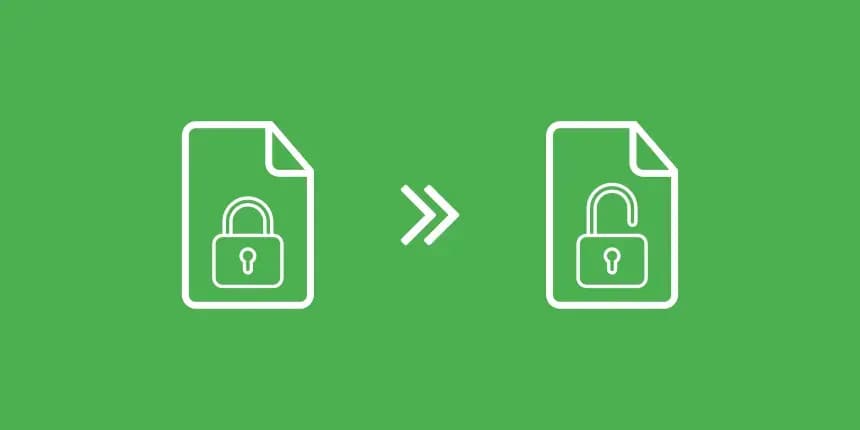
A User password restricts viewing entirely. When you click the file, you are met with a blank screen demanding a password before decrypting the data. To strip this lock, you generally must possess the password. You provide the key once to unlock it, and then the tool strips the encryption, saving a new, permanently accessible version of the file.
The Severe Danger of Online Unlockers
If you search Google for how to unlock PDF files online, you will find hundreds of free cloud-based utilities. However, unlocking a file in the cloud presents a catastrophic privacy vulnerability.
To use these services, you must upload your encrypted, highly confidential document to their server. Then, you must type your secret decryption password into their web form and send it to them. You are literally handing an unknown third party your locked safe and the combination to open it. Once their server decrypts the file, your proprietary data is sitting on their hard drive in plain text. For legal and financial professionals, this is an unacceptable breach of protocol.
NoMoreUploads: The Secure, Local Unlocker
NoMoreUploads provides the only mathematically secure way to strip passwords online. We utilize WebAssembly (WASM) to run a powerful decryption engine locally inside your web browser (Chrome, Edge, Safari, Firefox).
When you unlock PDF files online using our platform, your file never uploads to the internet. The password you type never leaves your keyboard. Your own computer's CPU processes the decryption algorithm, unencrypts the file in memory, and strips the security flags. The new, unlocked file is generated directly on your local hard drive. We have zero knowledge of your files and zero access to your passwords.
Step-by-Step: How to Remove PDF Passwords Securely
Freeing your documents from cumbersome restrictions is an instant process. Here is how to do it safely:
- Open the Secure Unlocker: Navigate to the Unlock PDF tool on the NoMoreUploads platform.
- Drop the Locked File: Drag the restricted PDF into the browser window. It loads into the secure local environment immediately.
- Provide the Key (If Required): If it is a heavily encrypted file (User Password), the tool will prompt you for the password. Type it in. (Remember: this password stays locally on your machine).
- Execute the Decryption: Click the unlock button. The local WASM engine will decrypt the binary code and strip away all password protection and printing restrictions.
- Download the Free File: Save your new, completely unprotected PDF file locally. You can now share it, print it, and edit it freely.
Conclusion
Removing security restrictions shouldn't require creating a new security vulnerability. When you need to strip encryption, never upload your locked documents and their passwords to an unknown public server.
By understanding how to unlock PDF files online using a genuinely secure, local-first tool, you can streamline your archiving workflows and share information freely without ever compromising your data privacy. Try the NoMoreUploads secure unlocker today and regain total control over your files.