Best Private PDF Converters of 2024: Secure Your Documents
When searching for a PDF tool, most users prioritize convenience and price. However, as cyber threats escalate and data privacy becomes a global priority, a new benchmark has emerged: security. For professionals handling legal documents, financial spreadsheets, and personal records, the search is no longer just for a free tool; it is for the best private PDF converters available.
But what actually makes a PDF converter "private"? This guide breaks down the architecture of secure document tools and what you must look for to protect your data.
The Illusion of Cloud Security
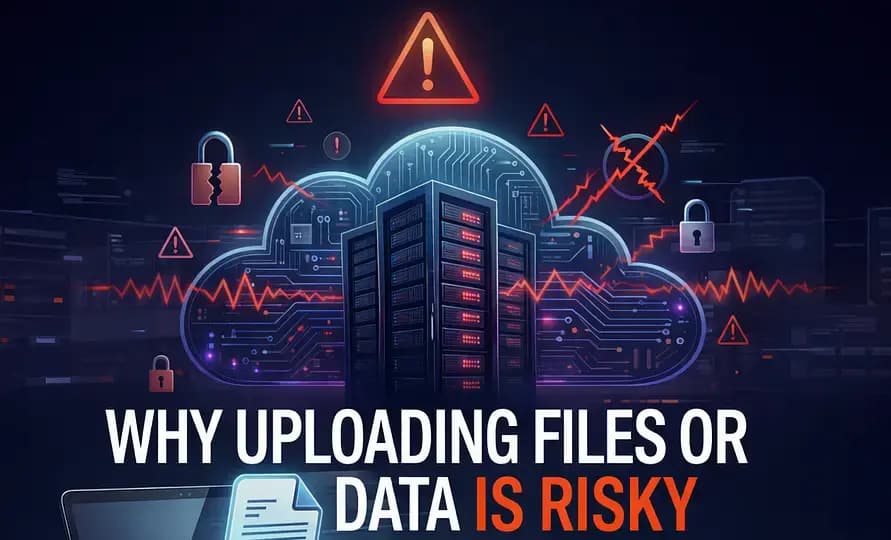
Before identifying the best private PDF converters, we must understand why popular options fall short. Cloud-based platforms dominate the market. They work by having you upload your document to their servers, processing it remotely, and providing a download link. They often boast about "AES-256 encryption" and promise to "delete files after 2 hours."
While commendable, these promises rely on trust. You must trust that their encryption keys are secure, trust that their automated deletion scripts run perfectly, and trust that their backend infrastructure hasn’t been silently compromised. In cybersecurity, the golden rule is Zero Trust. The only way to guarantee a file cannot be stolen from a server is to never put it on a server in the first place.
Defining True Privacy: The "Local-First" Architecture
The absolute best private PDF converters are built on a "Local-First" or "Zero-Upload" architecture. Rather than relying on cloud servers, these applications utilize your local hardware (your computer or smartphone) to process the files.
In the past, this meant expensive, heavy installable software. Today, thanks to technologies like HTML5 and WebAssembly (WASM), modern browsers can run powerful PDF engines right in the browser tab. When you use a truly private web converter, the entire processing operation happens inside your browser's sandboxed memory. No network requests. No external servers. No data footprint.
Top Features to Look For in a Private PDF Tool
When evaluating the best private PDF converters, ensure they meet these non-negotiable criteria:
1. Zero Upload Verification
How do you know a tool isn't uploading your file? You can verify this yourself. In a truly private tool, you can disconnect your computer from the Wi-Fi immediately after loading the page. If the tool still successfully converts or merges your file while completely offline, you know with 100% certainty that the processing is local.
2. No Account Requirements
True privacy means anonymity. If a service requires you to create an account, verify an email, and log in just to compress a PDF, they are building a profile on you. The best private PDF converters offer frictionless, account-free access for their core utilities.
3. Client-Side Rendering
Look for tools that explicitly state they use Client-Side Rendering or WebAssembly. This is the technical mechanism that allows complex document manipulation (like rotating pages, extracting text, or converting to images) to happen safely within the confines of your browser.
Why NoMoreUploads Leads the Pack
As the landscape of document utilities shifts, platforms like NoMoreUploads are redefining the standard. Engineered explicitly for privacy, it represents the pinnacle of local-first design. Every tool—from the PDF merger to the image compressor—executes entirely via WASM in your browser.
| Security Factor | Standard Cloud Converters | NoMoreUploads (Local-First) |
|---|---|---|
| Data Processing Location | External Data Center | Your Local Device |
| Vulnerability Window | Hours (Until server deletion) | Zero (Never uploaded) |
| Regulatory Compliance | Complex (Requires DPA, audits) | Immediate (Data never leaves custody) |
Conclusion
The search for the best private PDF converters ends when you eliminate the cloud from the equation. By demanding local-first processing, you eliminate the risk of data breaches, bypass slow upload times, and take back control of your sensitive information. Don't rent server space with your privacy.
Take control of your documents. Explore our suite of 100% private, local-first PDF tools.
Experience the Best Private PDF Converter
Stop compromising your data. As a dedicated secure pdf converter, NoMoreUploads ensures your files remain on your device. Whether you are compressing a massive file or extracting images, you can convert pdf locally with absolute peace of mind.