How to Convert PDF Without Uploading Files: The Ultimate Guide
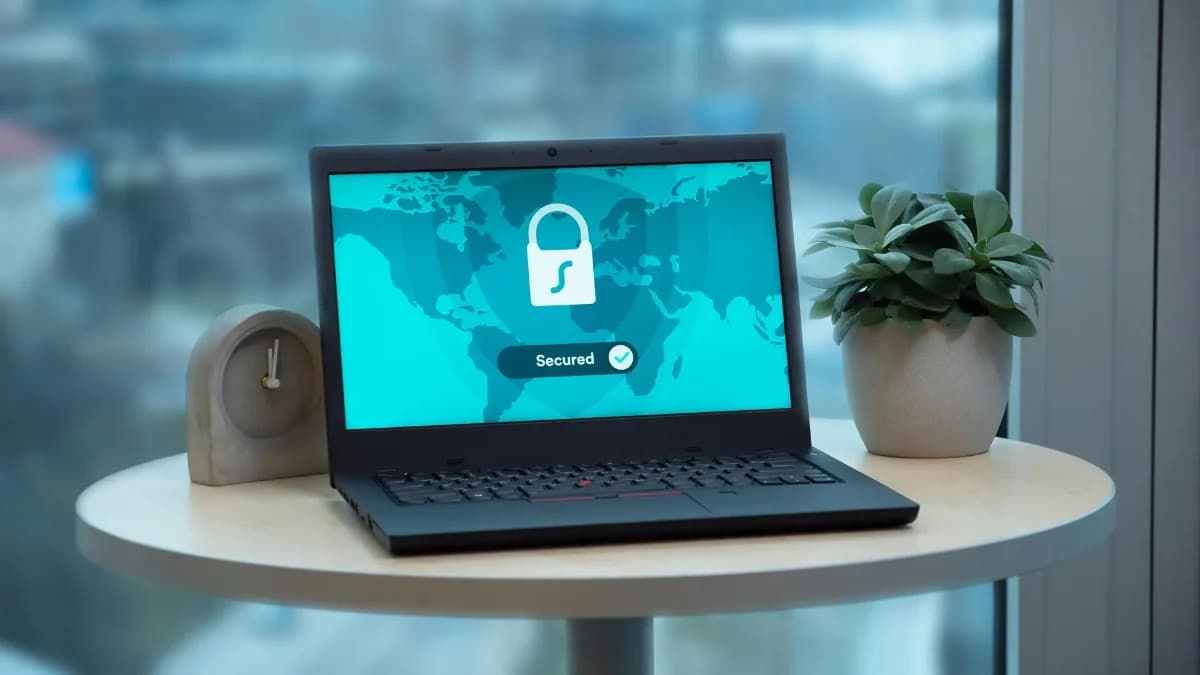
In today's fast-paced digital environment, managing PDF files is an unavoidable task. Whether you are merging quarterly financial reports, compressing a presentation for email, or converting a signed contract into an image format, the workflow is usually the same: find a free online tool, upload your file, wait, and download the result. However, a growing number of professionals and privacy-conscious users are asking a vital question: How to convert PDF without uploading files to a third-party server?
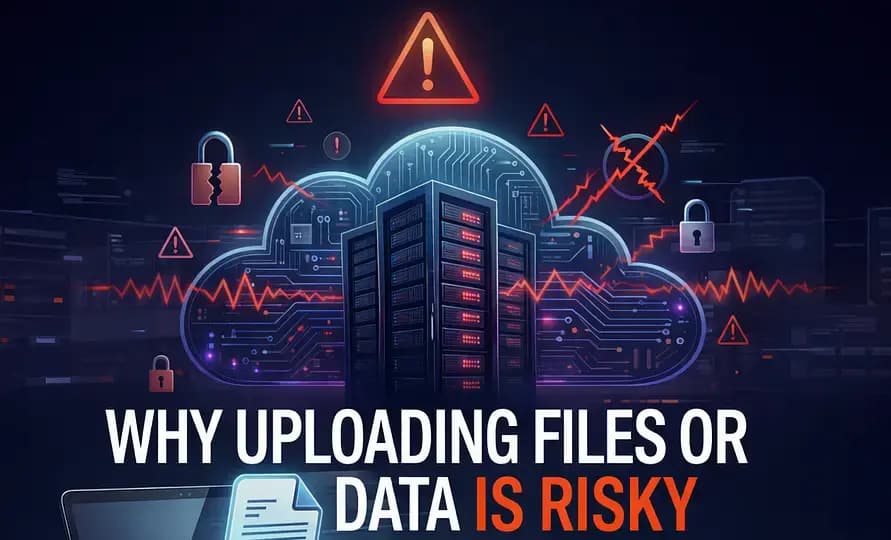
The standard "upload and wait" model carries inherent privacy risks. When you upload a document to a cloud-based converter, you are temporarily surrendering control of your data. The solution? Local, client-side processing.
The Problem with Cloud PDF Converters
Most popular online PDF tools operate on a cloud infrastructure model. This means that to process your file, their servers must first receive it. While reputable services use encryption and promise to delete your files shortly after processing, this "window of vulnerability" still exists. A server misconfiguration, a targeted hack, or an internal error could potentially expose your sensitive information—be it medical records, legal contracts, or proprietary business data.
For individuals handling PII (Personally Identifiable Information) or businesses bound by strict compliance frameworks like GDPR or HIPAA, relying on cloud-based online tools is often a strict violation of data governance policies.
How to Convert PDF Without Uploading: The WASM Revolution
To convert a PDF without uploading it, you must use software that runs locally on your machine. Historically, this meant purchasing, downloading, and installing bulky desktop applications like Adobe Acrobat. However, modern web technology has introduced a paradigm shift: WebAssembly (WASM).
WebAssembly allows complex back-end operations (like PDF manipulation and image rendering) to run directly inside your web browser at near-native speeds. It essentially turns your browser Chrome, Edge, Safari, or Firefox into a powerful, offline application.
Step-by-Step: Converting PDFs Locally
Platforms like NoMoreUploads leverage this technology to provide a completely private experience. Here is how you can convert or manipulate a PDF without it ever leaving your device:
- Navigate to the Tool: Open your browser and go to a local-first platform like NoMoreUploads.
- Select Your Files: When you drag and drop a file onto the page, it is loaded into your browser's local memory, not transmitted over the internet.
- Process Locally: Click the convert or merge button. The WebAssembly engine kicks in, utilizing your computer's CPU and RAM to perform the heavy lifting instantly.
- Save Instantly: Because the final file is already on your machine, there is no download bar. You simply save the file from the browser cache directly to your hard drive.
The Benefits of Local PDF Processing
Choosing to convert PDF without uploading files offers massive advantages beyond just security:
1. Unmatched Privacy (Zero Data Transfer)
As the name suggests, "No More Uploads" means zero data transfer to external servers. Your files are physically incapable of being intercepted mid-transfer because no transfer occurs. You maintain total data sovereignty from start to finish.
2. Lightning Fast Speeds
Cloud tools are bottlenecked by your internet connection. Uploading a 50MB PDF on a slow network can take several minutes. When processing locally, your speed is bounded only by your hardware. What takes minutes in the cloud often takes milliseconds on your own CPU.
3. True Offline Accessibility
Because the engine runs entirely via client-side scripts, many of these tools function perfectly even if you lose your internet connection. Once the web page is loaded (or installed as a Progressive Web App), you can process documents on a plane, in a basement, or on a remote job site with zero connectivity.
Conclusion
The era of sacrificing privacy for convenience is over. If you have ever wondered how to convert PDF without uploading files and risking your data, browser-based local processing is the definitive answer. Transitioning to local tools protects your sensitive information, speeds up your workflow, and ensures that you remain in complete control of your digital footprint.
Ready to experience true privacy? Try processing your documents locally today.
Ready to Try It Yourself?
Now that you understand the technology behind zero-data-transfer, put it to the test. Use our private pdf converter to convert pdf without uploading directly from your own device.