Compressing Images for Shopify: The Ultimate Guide
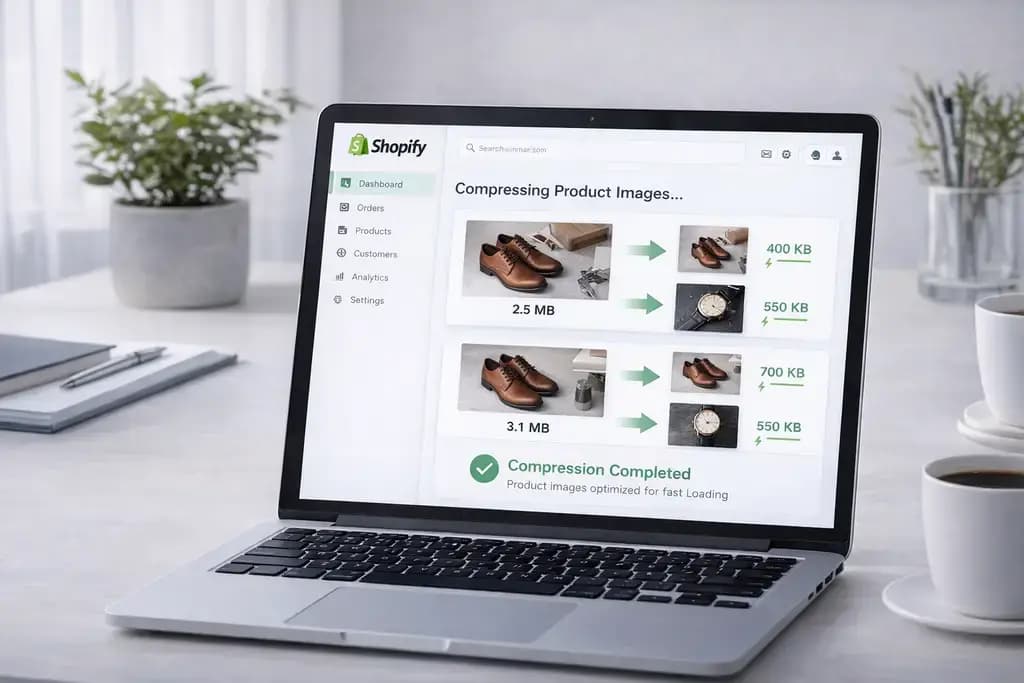
You spent months meticulously photographing your new clothing line, curating the perfect lighting and styling for your storefront. You load fifty stunning, high-definition photographs onto your Shopify product page and finally hit publish.
Then, disaster strikes. Your beautiful product page takes eight agonizing seconds to load on a cellular connection. Your potential customer gets frustrated, hits the back button, and buys from a competitor. Your conversion rate flatlines instantly.
In the ruthless world of digital e-commerce, speed equates directly to revenue. If your visual media lacks optimization, your storefront is financially bleeding. In this definitive breakdown, you will learn the exact science of compressing images for Shopify. You will discover why heavy catalog visuals murder SEO rankings, how to manipulate file structures locally, and the foolproof method to crush your payload weight without ever losing a pixel of quality.
The Crushing Impact of Heavy Product Galleries
Shopify is an incredibly powerful platform, but it operates under the exact same unbending laws of physics as the rest of the web. Every megabyte of visual data on your storefront must be physically downloaded by your customer's mobile browser.
If you are uploading raw, 4-megabyte digital camera exports directly into your product gallery, your page weight spirals completely out of control. An average catalog page containing eight product angles and four lifestyle shots translates to over 40 megabytes of network payload.
Google’s web crawler index rigorously analyzes visual load times. When Google detects that your "Largest Contentful Paint" (LCP) takes more than 2.5 seconds to render, they aggressively penalize your search rankings. You get shoved onto the second page of search results, completely destroying your organic traffic acquisition.
Understanding Lossless vs Lossy Reductions
Before you start haphazardly shrinking your library, you must intimately understand how digital compression physically works. Striking the balance between blazing-fast load times and crisp visual aesthetics requires extreme precision.
There are two primary algorithms at play in shopify image optimization:
Lossless Compression: The algorithm mathematically rearranges the structural code in the image header to make the file slightly smaller. Crucially, absolutely zero visual pixel data is thrown away. This is primarily used for sharp vector graphics, typography, and company logos.
Lossy Compression: The algorithm aggressively analyzes complex pixel clusters and permanently deletes visual data that the human eye struggles to notice. This exponentially decreases file size, making it the absolute necessity for massive, detailed photographic product shots.
The WebP Revolution for Storefront SEO
For over two decades, the e-commerce industry relied heavily on the classic JPG format for basic product photography. That era is completely over.
To guarantee maximum speed and dominance in Google's search metrics, you must aggressively transition your catalog to next-generation formats. Google's custom-engineered WebP format is mathematically superior to legacy files in every conceivable benchmark.
Lossy WebP assets average 34% smaller file sizes than visually identical JPG counterparts. By converting your heavy inventory into WebP formats, you wildly slash your page weight. Your store loads instantly, the user experience dramatically improves, and your mobile conversion checkout rates skyrocket.
The Superior Strategy: Offline Batch Compression
Upgrading a massive inventory catalog usually involves hours of annoying file manipulation. Many merchants turn to heavy Shopify marketplace plugins or upload their unreleased product designs to shady cloud compression websites.
You should absolutely never upload proprietary, unreleased catalog shots to third-party servers. To maintain total corporate privacy and drastically increase your workflow speed, you must process your inventory entirely locally.
By utilizing advanced WebAssembly technology, our Compress Image tool allows you to drastically shrink your assets entirely inside your web browser. The heavy mathematical load relies strictly on your computer's local processing power. Your product photos are never uploaded to our servers, assuring zero digital leaks and instant processing times.
3 Steps to Optimize Your Shopify Catalog
Eliminating massive network blockades from your workflow takes seconds:
- Rapidly drag and drop your raw photography assets into our Convert Image tool.
- Choose WebP to ensure maximum next-generation algorithm reductions without uploading your files natively.
- Instantly download the radically lighter webp assets. Because there is zero internet upload involved, you can effortlessly batch-process dozens of products completely offline.
Upload these highly refined files directly to your Shopify administrator dashboard and watch your Core Web Visual metrics immediately turn green.
Frequently Asked Questions
What is the best format for compressing images on Shopify? The indisputable king of modern e-commerce formats is WebP. It offers drastically superior file size reduction algorithms natively compared to legacy JPG and PNG formats, maximizing loading speed.
Does compressing a product image make it look blurry? Only if you compress it too aggressively. Using intelligent, granular lossy algorithms allows you to slash the structural file weight perfectly while keeping the visual edges and product textures appearing 100% crisp to human vision.
Are Shopify marketplace compression plugins safe? Many plugins route your images through external third-party processing servers. This introduces subscription fees and potential data risks. Processing your files using local, offline web utilities is vastly safer and mathematically faster.
What is the ideal product image size for a mobile storefront? For lightning-fast mobile rendering, your absolute ceiling should be 250KB per heavy gallery image. Optimally utilizing modern WebP algorithms can easily squash 1080p graphics perfectly down to the rapid 80KB - 120KB range.
Accelerate Your Conversion Rates Immediately
Stop watching your organic traffic bounce away because of sluggish, unoptimized gallery pages. Seize absolute control over your digital storefront loading speed. Shrink your product library flawlessly, instantly, and completely offline by utilizing our blazing-fast Image Compressor today.