Why Your PDF to Word Conversion Lost Its Formatting (And How to Fix It)
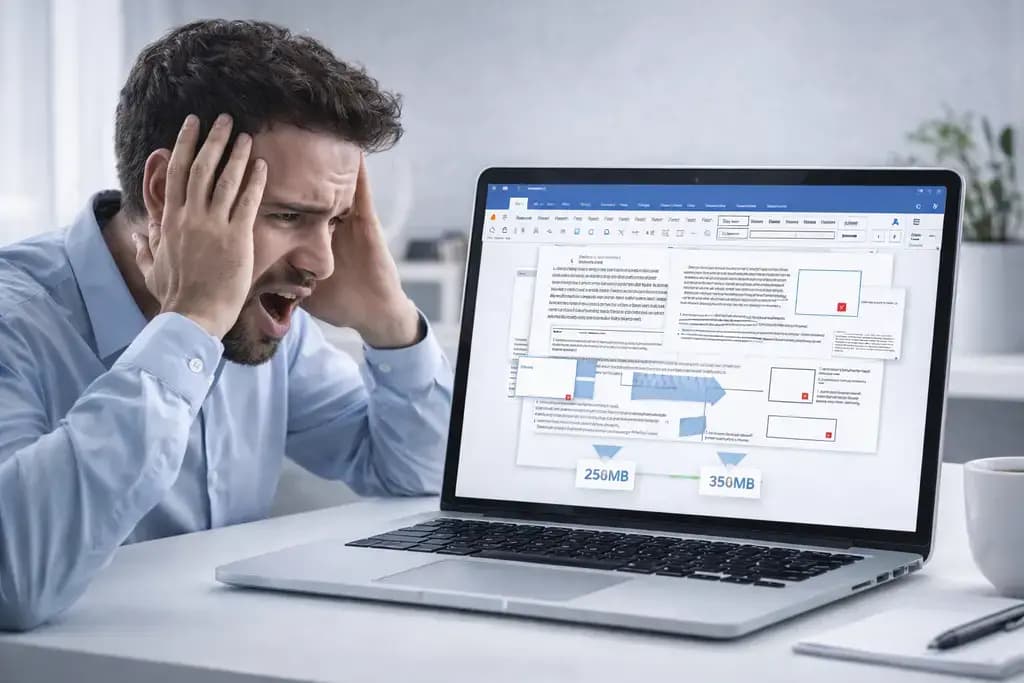
You receive a highly stylized, professionally designed business proposal as a PDF. Your team needs to edit the body text, so you quickly run the file through a generic online converter. When you finally open the newly generated Word document, panic sets in immediately.
The tables are completely shattered. Bullet points are randomly scattered across the margins, and the elegant font has mutated into basic Arial. Your perfectly structured proposal now looks like a chaotic digital ransom note.
Watching a pristine layout self-destruct during conversion is incredibly frustrating. In this guide, you will learn exactly why your pdf to word conversion lost formatting, the deep mathematical conflict between these two distinct file types, and the ultimate local strategy to reliably convert files while keeping your layouts perfectly intact.
The Fundamental Conflict Between PDF and Word
To fix the breaking layouts, you must understand that PDFs and Microsoft Word documents speak entirely different digital languages.
A Microsoft Word file is "reflowable." It is essentially a continuous stream of text. The software constantly calculates where words should wrap based on the screen size, the margins, and the user's specific computer settings. It is built to be constantly edited and rearranged.
A PDF (Portable Document Format) is the exact opposite. It is a strict, mathematical coordinate system. A PDF does not view text as flowing paragraphs. It views text as visual objects anchored to specific X and Y coordinates on a digital canvas. It is built specifically NOT to be edited.
Why Generic Converters Destroy Your Layouts
When you ask a basic online interface to convert a PDF into Word, you are asking a rudimentary server algorithm to translate a strict coordinate system back into a flowing, reflowable text document.
Cheap software struggles to understand context. If a PDF contains a visual table, the cheap converter does not see a spreadsheet data structure; it just sees a bunch of individual straight lines drawn near scattered numbers.
When it attempts to rebuild that scene inside Microsoft Word, it simply dumps the text and draws shapes over them, totally destroying the editability. Standard cloud converters rely on rapid, low-quality Optical Character Recognition (OCR) engines explicitly designed to save server processing costs, completely sacrificing your professional layout in the process.
The Dual Danger of Cloud Processing
Beyond destroying your formatting, utilizing these cheap online tools introduces a massive secondary problem: data security.
To use these free conversion websites, your browser must transmit the entire PDF—whether it's an unreleased company press release or a private financial projection—to an unverified cloud server.
Not only are you getting a mangled, unformatted Word document in return, but you are also actively exposing your proprietary data to devastating third-party data breaches or non-consensual AI scraping. You are taking a massive security risk in exchange for a completely unusable file.
The Ultimate Solution: High-Fidelity Local Processing
You need a conversion engine powerful enough to intelligently recognize complex structural elements—like tabular data, nested bullet points, and column layouts—without sacrificing your file privacy.
At NoMoreUploads, we explicitly built our PDF to Word utility to aggressively solve this problem. Utilizing next-generation WebAssembly (WASM), we download an incredibly advanced, high-fidelity conversion heuristic directly into your local browser's memory sandbox.
By operating entirely upon your computer's local CPU, we completely bypass the cost restrictions that cripple cloud-based tools. Our local engine takes the time to intelligently map the X and Y coordinates of your PDF, accurately rebuilding the paragraph structures and table boundaries natively inside the new .docx file format.
3 Steps to Convert Seamlessly and Securely
Retaining your perfect formatting takes only seconds when utilizing localized CPU power:
- Open our PDF to Word tool securely within your web browser.
- Drag and drop your highly stylized PDF into the interface. Because it operates 100% offline, there is zero agonizing network upload wait time.
- Your local processor intelligently rebuilds the document structure and immediately saves the highly editable Word document back to your computer.
Because your files are never uploaded to our servers, you can safely convert highly sensitive financial models or confidential legal briefs securely while perfectly retaining the original structural layouts.
Frequently Asked Questions
Why do PDF text lines break randomly when converted to Word? Because PDFs treat every single line of text as an independent visual object anchored to a coordinate. Cheap converters do not understand paragraph continuity, resulting in hard line breaks (Enter key presses) at the end of every single line when imported into Word.
Can I convert PDF to Word and keep formatting completely offline? Yes. By utilizing modern WebAssembly tools, your local browser downloads the conversion software temporarily. This leverages your computer's own processing power to rebuild the file structure locally, eliminating all cloud-based layout destruction.
Why are the fonts different in my converted Word document? If the original PDF embedded a proprietary or custom font that is not physically installed on your specific computer, Microsoft Word is forced to substitute it with a default system font (like Arial or Calibri) during the conversion process.
Is a cloud converter faster than a local browser converter? No. Cloud converters require you to fully upload the PDF file, wait in a server queue, process the file, and download the heavy result. Local WASM converters process the document locally in your RAM, making it practically instantaneous.
Edit Your Documents With Total Confidence
Stop wasting hours manually retyping text and aggressively fixing shattered tables because of a cheap cloud utility. Reclaim your productivity and secure your company's proprietary data workflows entirely locally. Experience high-fidelity layout retention with our instant, zero-upload Local PDF to Word Converter today. For reverse workflows, securely lock files using our offline Word to PDF utility.